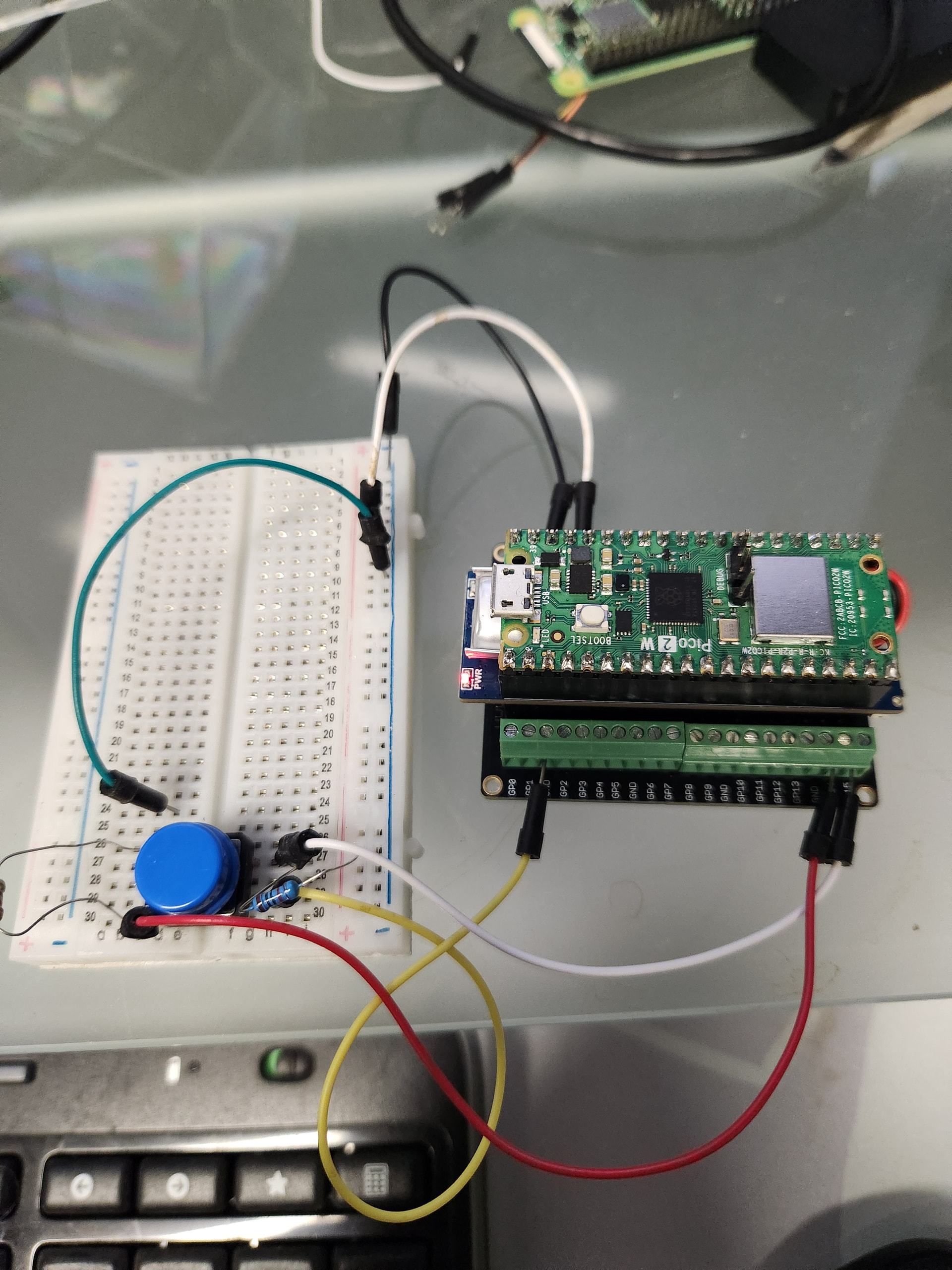
Yes I did another change that I didn’t mention which was to change the USB ports connected to the two Picos to come from the same extender. I was thinking one issue might be the power supply grounds. I still have the ground from pico to pico.
But yes. Nuking all the flashes and starting from scratch probably did the trick.
Hey Jaryd
Yes I probably screwed it up as i was trying to do it without knowing what I was doing. Starting from scratch seems like a good approach most of the time!
Thanks again.
Dave
Just for fun, I thought I would show you the current state of this project. It is for reading the water meter and sending the gallon count every day to the meshtastic network. A “server” node processes the counts and serves a web page with the different meters daily, weekly and lifetime water usage. At each meter location there is a “counter” Pico, and a meshtastic interface that consists of a Pico functioning as the meshtastic node, and another Pico that relays the counts from the counter to the meshtastic node. The relay Pico is configured as a Wifi AP that the counter can connect to.
The below is the counter that goes in the meter box with the meter. It is a Pico 2W that is battery powered. It is normally in the RP2350 P1_7 “total” power down state, and will wake up if there is a pulse from the meter (meter has a reed relay that creates a pulse for each gallon). It will also wake up every 24 hours, and, using wifi, will connect to the relay Pico AP and send the current gallons counted for the day.
Below is the Pico Meshtastic node and the relay Pico, communicating using the serial method you describe in your tutorial (thanks again!) The box containing the Meshtastic Pico and the relay Pico is mounted in a favorable location (not too far from the meter!) and is also battery powered but has a solar panel to charge. This is because is stays powered although eventually I’ll probably use some type of power management for this box.
Finally, I have a “server” which in this case is a Raspberry Pi 4, running the desktop. I have a Python script that connects to the Meshtastic node (another Pico) and serves a web page that displays the counts for all the meters. It will also flag a low battery, or a missing daily report.
So just want to thank you again for the brilliant tutorial, this probably wouldn’t have happened without it. Also, happy to answer any questions about how I developed it, and anything related to the Pico applications. Dave
Great little project, love seeing meshtastic being used in the real world like this. When we make courses like this, practical projects like these are what we want to come from it!