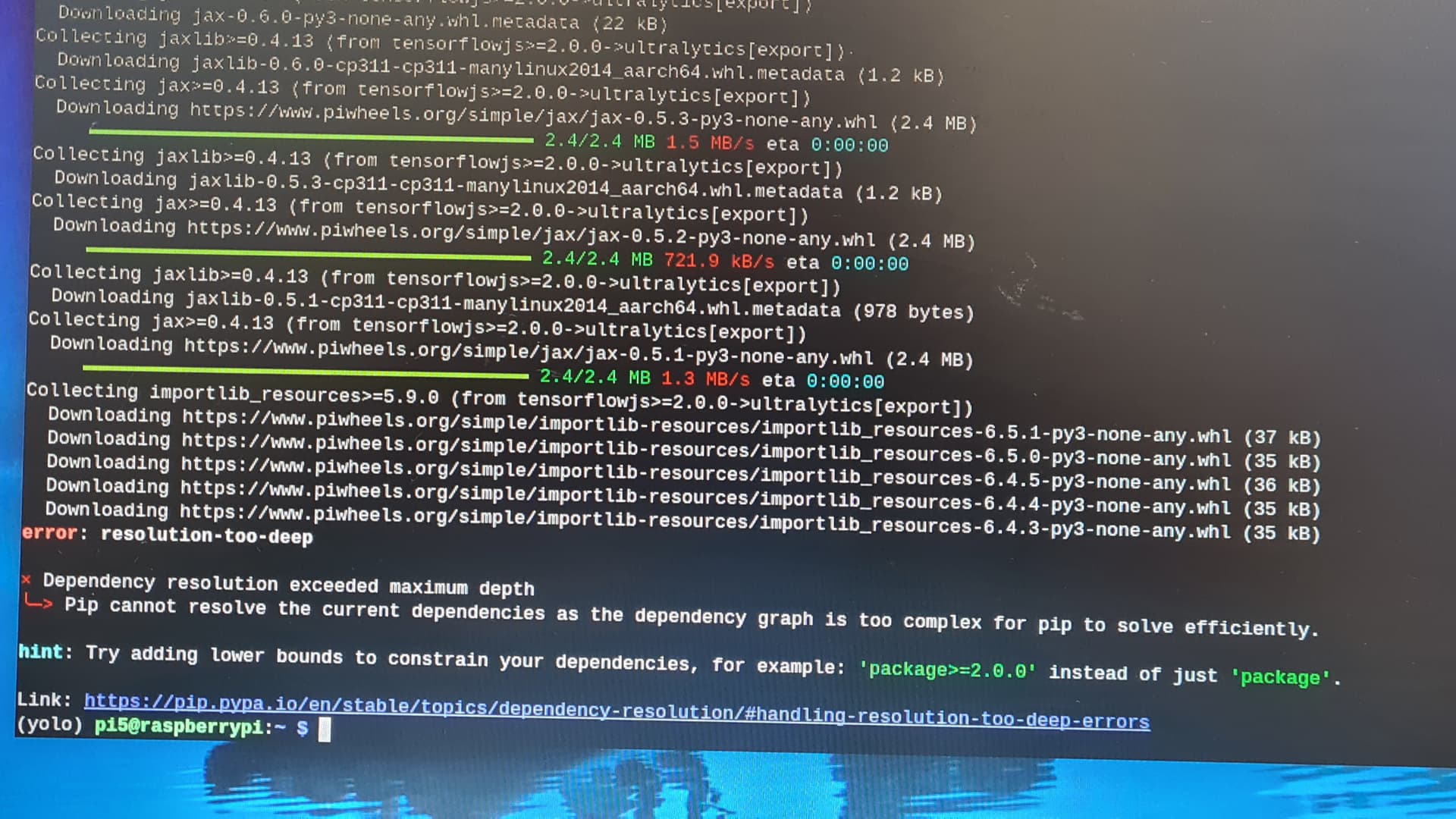
I bought a Pi5 to try to get started with YOLO object detection as explained in Core’s tutorial. When loading the ultralytics package it gets stuck with an error message detailed in the image. I have repeated the pip install ultralytics[export] command several times, but the installation gets stuck again at the same place with the same error message.
Recent Ultralytics updates to the package have broken it, and until its fixed it will keep giving the “Dependency resolution exceeded maximum depth” error. This line installs a version from a few months ago but should work fine with what’s explored in the video.
A module that was compiled using NumPy 1.x cannot be run in
NumPy 2.0.0 as it may crash. To support both 1.x and 2.x
versions of NumPy, modules must be compiled with NumPy 2.0.
Some module may need to rebuild instead e.g. with ‘pybind11>=2.12’.
If you are a user of the module, the easiest solution will be to
downgrade to ‘numpy<2’ or try to upgrade the affected module.
We expect that some modules will need time to support NumPy 2.
ImportError: numpy.core.multiarray failed to import
This error message is telling us that one of the modules that you are installing is expecting you to have an older version of NumPy and is having trouble because of this.
To get around this, you could try changing up the Ultralytics installation command in the hopes that this fixes it:
Try running pip install ultralytics first, then, if this fails, try pip install ultralytics==8.3.100. Then you can try to use a different version of NumPy to see if this resolves the issue. Running the command pip install "numpy<2.0" will install an older version of NumPy.
After this, try running pip install ultralytics==8.3.100 again and let us know how that goes!
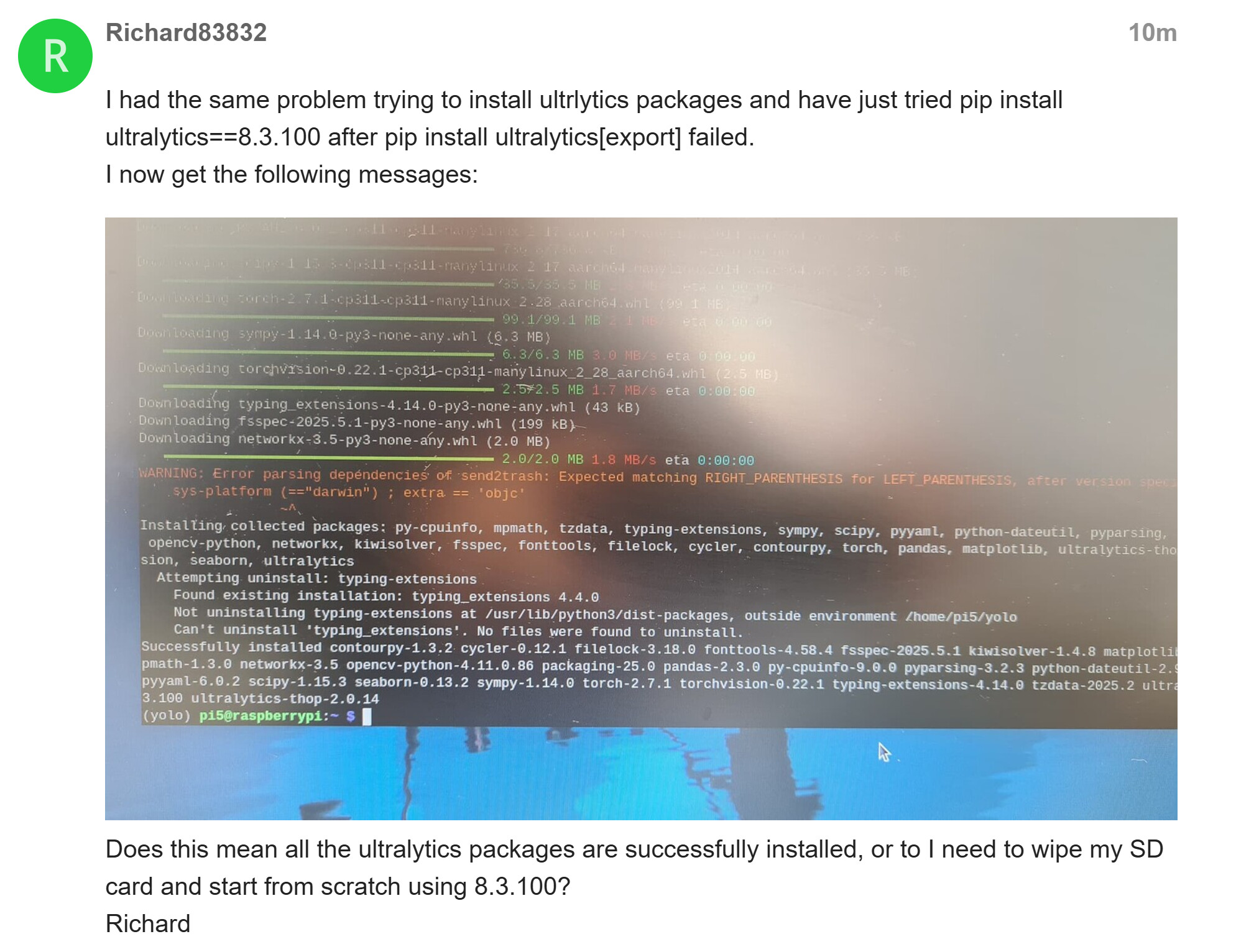
ran ‘pip install ultralytics==8.3.100’ and that worked until end with the following mysterious errors:-
Installing collected packages: numpy
Attempting uninstall: numpy
Found existing installation: numpy 1.23.5
Uninstalling numpy-1.23.5:
Successfully uninstalled numpy-1.23.5
ERROR: pip’s dependency resolver does not currently take into account all the packages that are installed. This behaviour is the source of the following dependency conflicts.
mobileclip 0.1.0 requires clip-benchmark>=1.4.0, which is not installed.
mobileclip 0.1.0 requires datasets>=2.21.0, which is not installed.
mediapipe 0.10.18 requires numpy<2, but you have numpy 2.1.1 which is incompatible.
tensorflow-cpu-aws 2.13.0 requires numpy<=1.24.3,>=1.22, but you have numpy 2.1.1 which is incompatible.
tensorflow-cpu-aws 2.13.0 requires typing-extensions<4.6.0,>=3.6.6, but you have typing-extensions 4.14.1 which is incompatible.
Successfully installed numpy-2.1.1
Got “ YOLOE Run Model.py” to work as expected, but tried it with the model ‘yoloe-11s-seg.onnx’
and got this error
RuntimeError: Error in execution: Got invalid dimensions for input: images for the following indices
index: 2 Got: 640 Expected: 128
index: 3 Got: 640 Expected: 128
Please fix either the inputs/outputs or the model.
We have created another guide specifically for installing the package. In this version, we use Conda, which solves these errors a bit better. Once you have the package installed, you should be able to follow any of our other guides from it!
Install ultralytics without [export] first [export] brings in TensorFlow + JAX, which are huge and often problematic on ARM (like Pi). Most YOLO features work fine without them:
pip install ultralytics
If you need export functionality, try forcing specific dependency versions instead of letting pip resolve infinitely. For example: