
Hey @Jon167656 ,
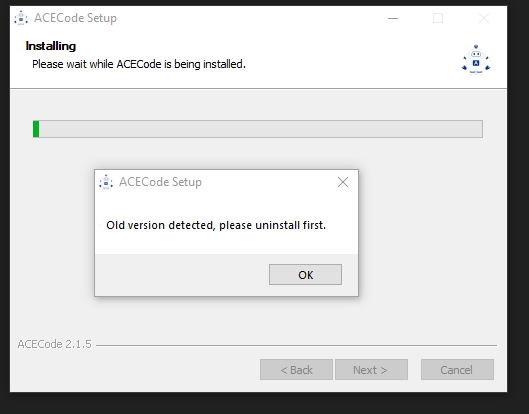
I did a quick install / uninstall test on a Windows PC. If you run the setup program again without changing anything, it should default to the same install location. The install wizard picks up on ACECode already being installed in this location and prompted me to uninstall it first, so it should hopefully do the same for you.
To summarise:
- Run the ‘ACECode Setup 2.1.5.exe’ install program
- Note the default install location once this program opens. For me it was ‘C:\Program Files\ACECode’
- Click ‘Install’

This caused the following prompt to appear, which, when clicking ‘OK’, opened the uninstall wizard.

Let us know how you go with that!



