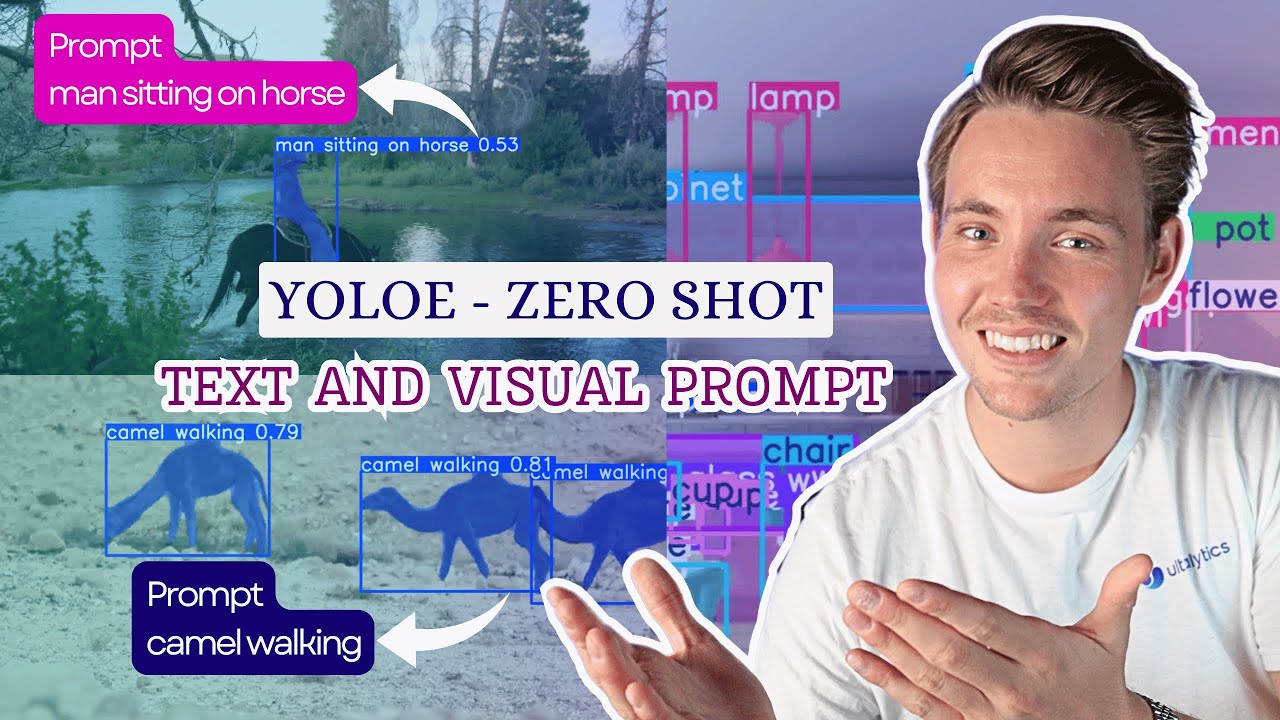
Hi everyone,
I’m working on a project with a Raspberry Pi 5 where I’m using YOLOE for real-time object detection.
I also have an AI Hat (13 TOPS) hardware accelerator that I’d like to use to improve performance, but I’m not sure how to properly integrate it with YOLOE on the Raspberry Pi.
Does anyone have experience or can point me in the right direction regarding:
how to configure YOLOE to leverage the accelerator,
I’ve had a look around and haven’t found anything on it so far, you may be one of the first people trying to do this, but it is a logical next step so I assume others are working at it.
First things first, the AI HAT has its own workflows and processes needed to operate it. We have a guide on getting that going. If you work through this guide, at the end you will have all the machinery to take a model in the.HEF format (the model format the HAT needs), and run it. All you need to do is convert the YOLOE model into this format.
To do so, you would need to start by getting a YOLOE model you like. @ahsrab292840 is on the right track here, and we also have a guide on getting YOLOE going on the Pi. At the end of this guide you will have a YOLOE model in the .ONNX format.
This format is great though, because the conversion process in HAILO’s process take a .ONNX model and convert it to .HEF! Luke Ditria has some fantastic and practical videos on using the AI HAT, and I would reccomend his video on training a custom model for the AI HAT. I’ve timestamped it to the relevant section as you can ignore the first part where he is just getting the .ONNX model (which we already have).
This should give you most of the resources you need to try and get a YOLOE model going on the AI HAT. Again, you may be one of the first people attempting to do this, so let us know if you get it going!
I also have a technical question: I am developing a system based on Raspberry Pi 5 for long-distance human detection using AI.
I would need advice on which camera to use, as having high resolution and excellent image quality is essential in my case to minimize detection errors.
Additionally, the system must work in low-light conditions and at night, so I am looking for a solution that can maintain good clarity even with night vision.
Do you have any specific models you would recommend?
If you’re after the best quality camera you’re going to want to use the Raspberry Pi High Quality (HQ) Camera paired with a good lens. The good lens is going to be the important part here, much more so than the megapixels on the camera. Do you need images taken from a distance? Because if you do than you’re gonna want to pair it with the 16mm telephoto lens. Otherwise, the 35mm C-mount lens.
Otherwise, if you’re going to be using it day and night, if you want proper night vision, I’d look at the Arducam High Quality IR-CUT Camera for Raspberry Pi. The IR capability is going to allow for good day and night time use. Pairing that with IR illumination is usually the more reliable path than expecting “good night vision” from the camera alone.
Personally, I would go with the former for overall image quality, but the latter if you feel that low light conditions are the more important.
The problem is that my project requires the camera to be used both during the day and at night, so unfortunately I wouldn’t be able to choose the first option.
Regarding the second solution you suggested with IR, does it also come with a lens? I also need to capture a nearby area.
Because I also need to identify the person, and I will most likely implement facial recognition as well.
No, also because facial recognition will just be an additional optional feature. For now, the important thing is only to focus on a specific area, where through AI I will detect if there is a car license plate nearby and capture it in order to identify it reliably. However, this will just be the beginning — later on I will think about implementing facial recognition as well.
Hey there, @Flavio303821, it does come with a lens, specifically a 6 mm lens with a mechanical IR mount that will mechanically switch on or off based on lighting conditions which makes it great for security cameras.
As long as the car is not far away from the camera, you should be fine to read driver’s plates, although it is less suited for reading license plates at a distance.
Good to know it comes with the 6 mm lens and IR filter, that actually sounds perfect for my use case, especially for day/night conditions. And yeah, that makes sense about the license plates. My setup will be relatively close range, so it should work fine for reading them. I’ll keep the distance limitation in mind though.