
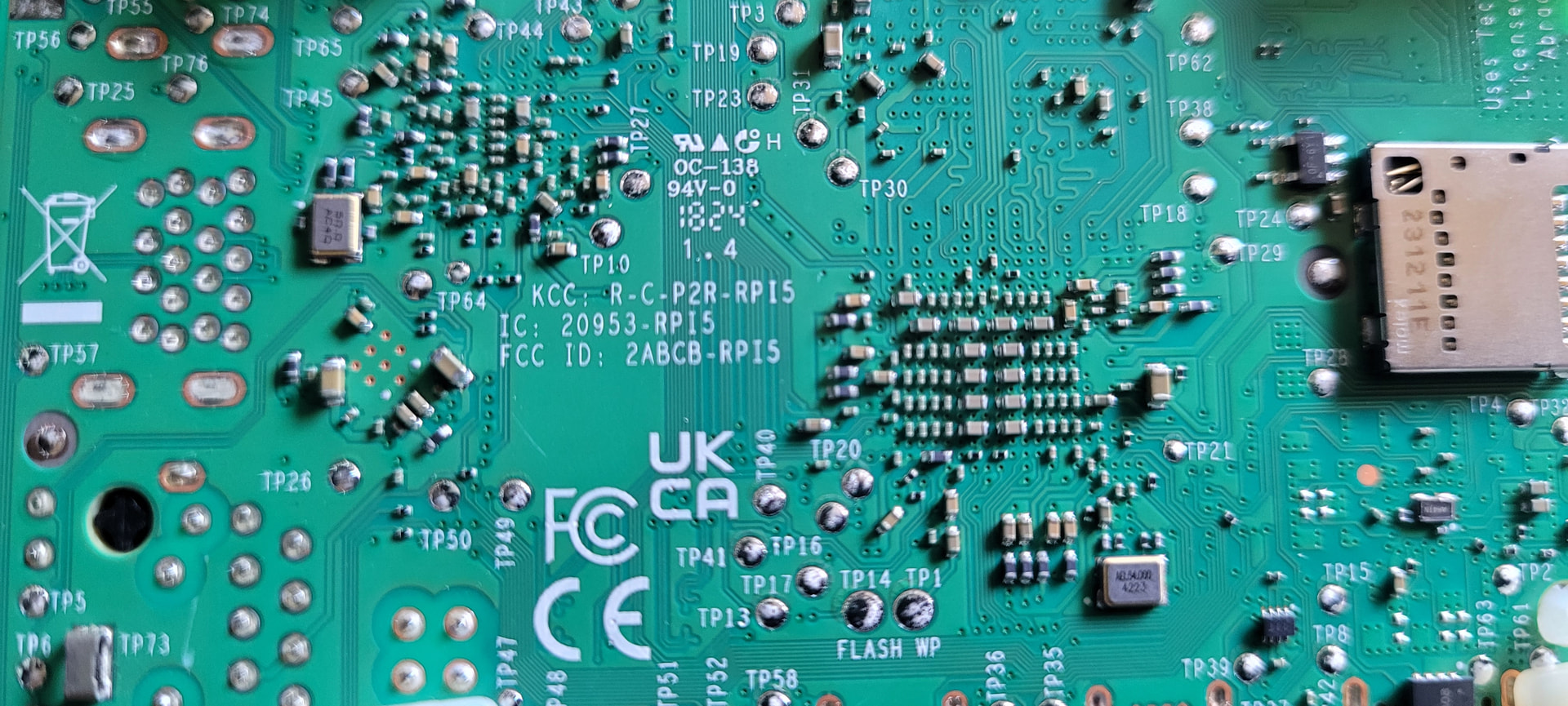
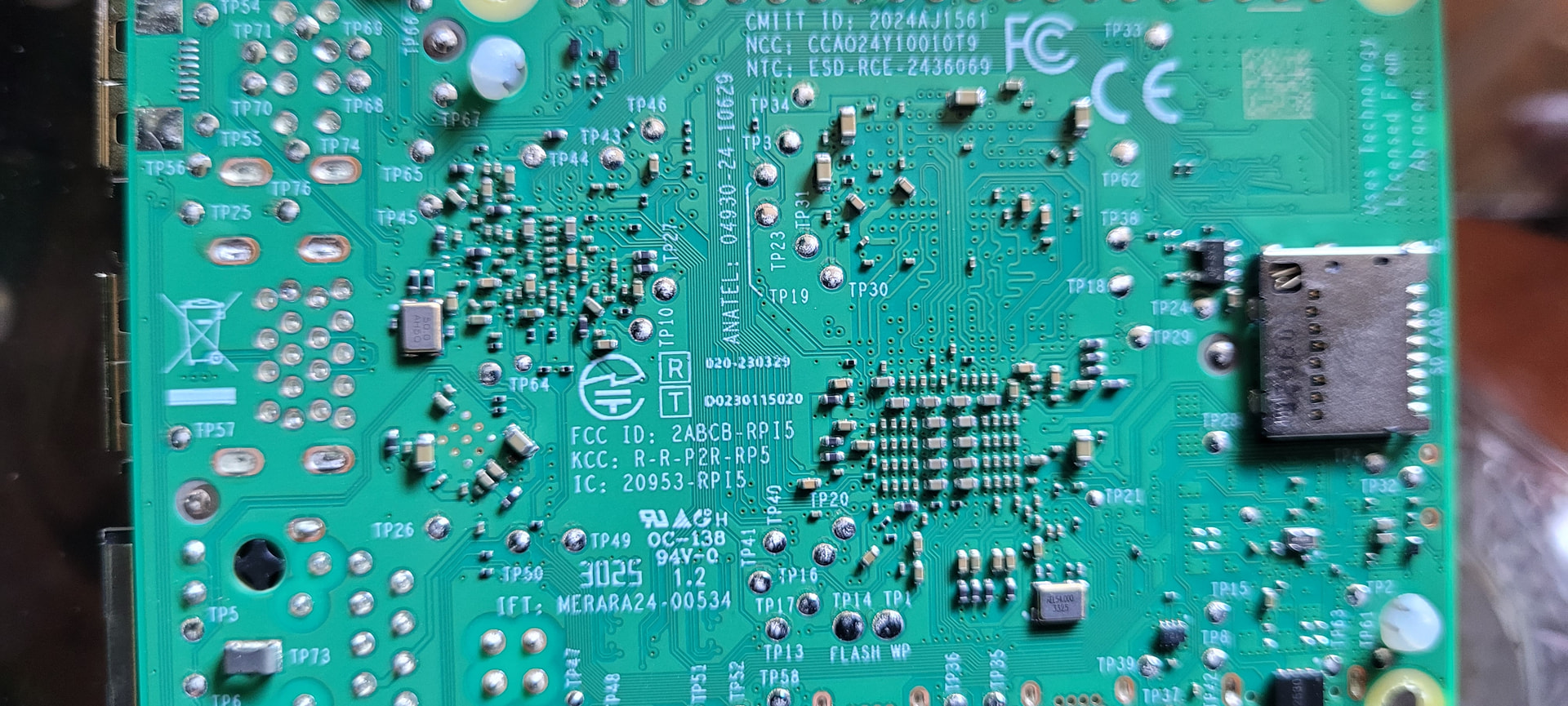
I have 2 raspberry pi 5s (4gb) and want to buy a bunch more, but my issue is one starts up quickly (Which is important for my requirements), the other does not using the same SD card (it has a white/red screen come up and runs some things which seems to slow it down) See pics. One may be newer than the other, or may be made in a different country see pics of the underside labels. But I am hoping I just need to make an adjustment to speed up the start-up process. Would appreciate any ideas, thank you!
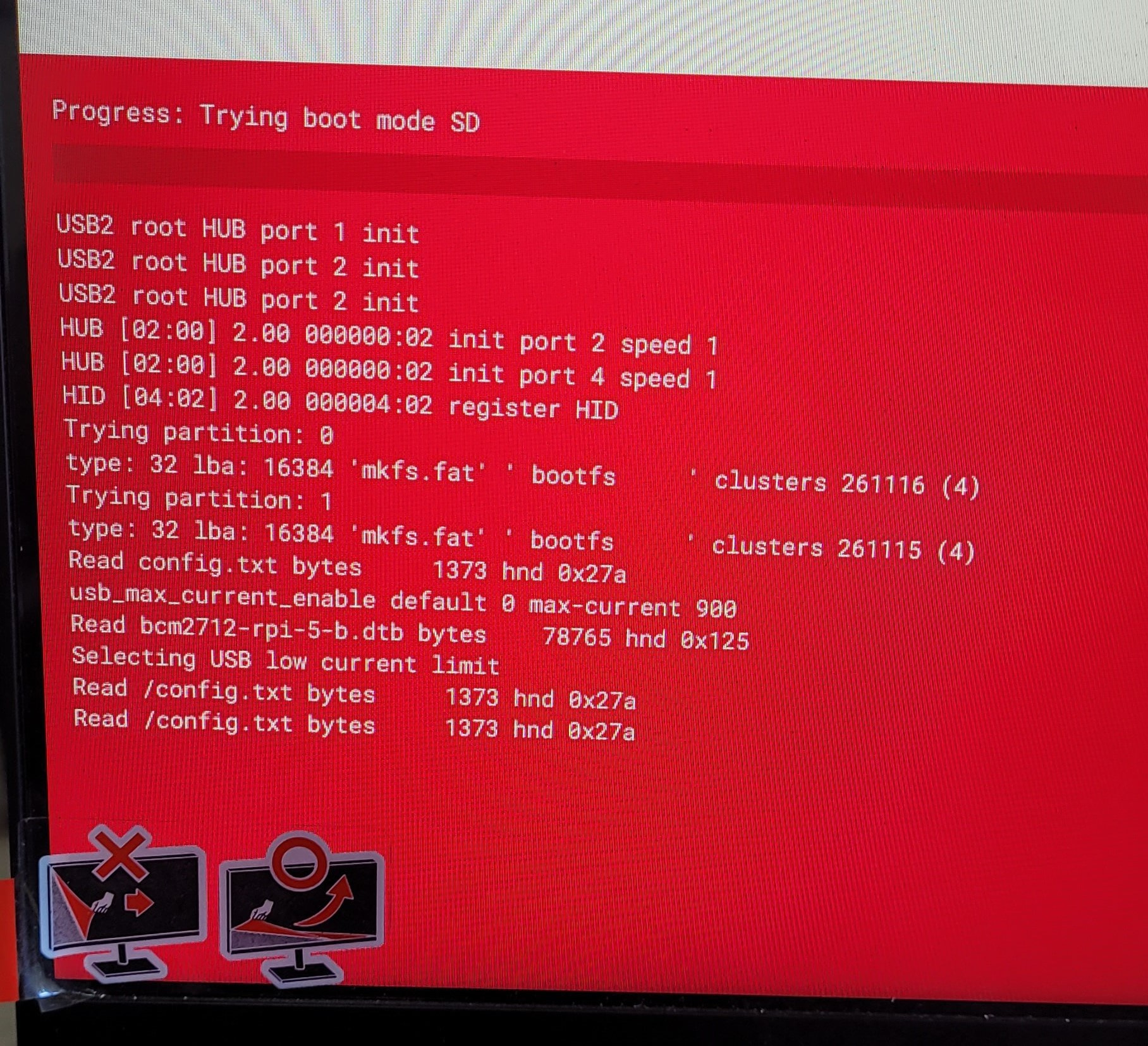
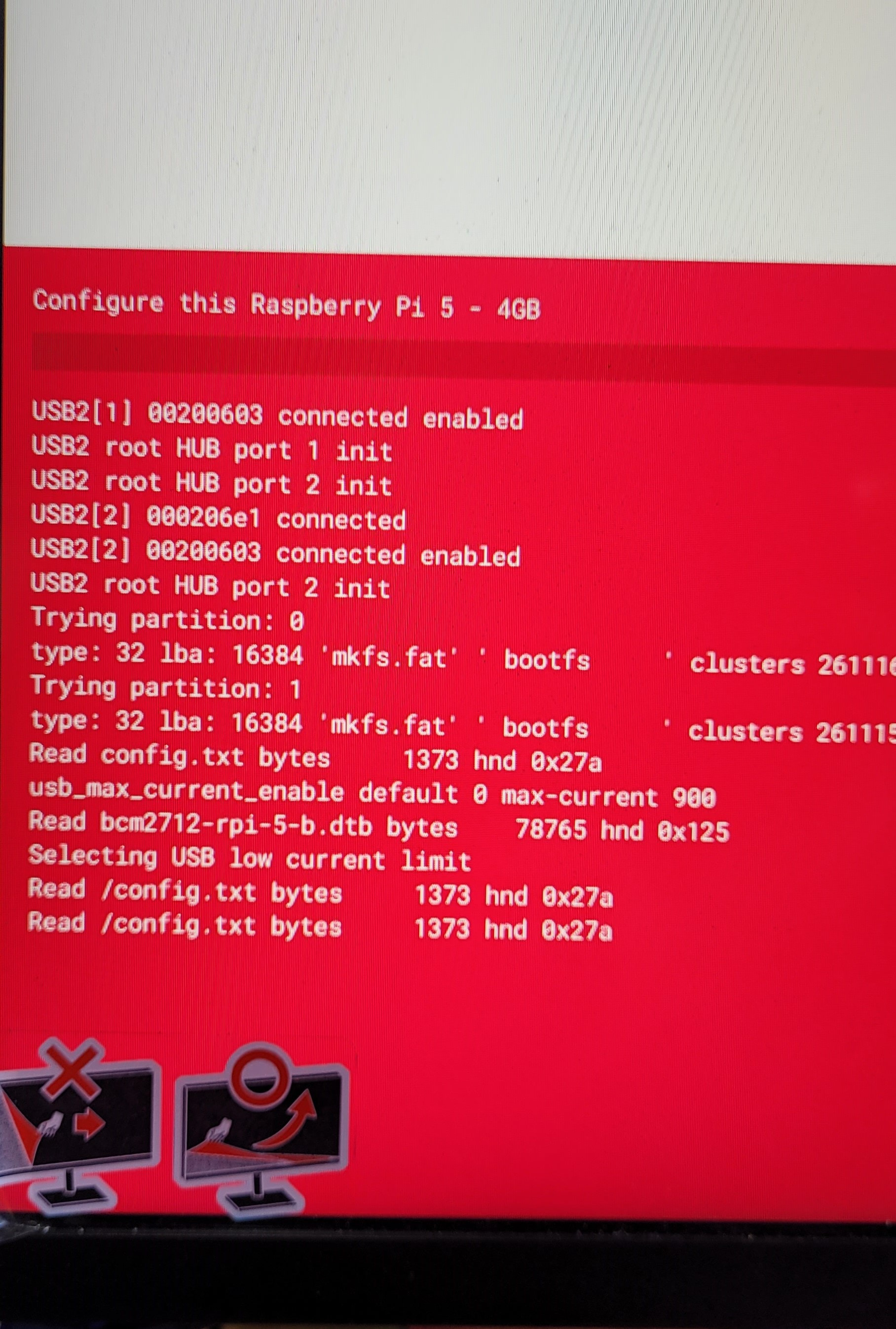
On Raspberry Pi 5, boot speed can be affected heavily by whether it detects a proper 5V 5A / PD-capable PSU. If it doesn’t fully negotiate, It falls back to 900mA USB current limit. USB initialization slows down and devices enumerate slower. Boot firmware adds delays to be safe. Make sure BOTH Pis use official Raspberry Pi 5 PSU (5V / 5A USB-C PD) and same USB-C cable type/length. Then re-test boot speed.
1 Like
Thanks for that, but I am needing to use a 5a cage PSU and cannot use the official power pack. Also it is only a problem with one of two versions of RP5 4GB I have. I thought the screen grab I sent might have shed some light on what it is actually doing in that red/white screen and if it really has anything do with power supply anyway. The RP5 I have does not do this.
1 Like
Not all SD Cards are made equal. It could easily be that the read/write speed of one card is just much faster than the other. Could you tell us:
- The Brand / Model / Size of each Sd Card
- Whether the same effect is noticed when SD cards are swapped between the Pis or if the slow boot screen swaps as well.
- Any other peripheries that are attached to either Pi.
Hi, When testing, I am using the exact same PSU, same SD card, no peripherals. It seems there have been changes between the older pi5 and the latest ones, maybe in the bios. The older one’s do not seem to show the red/white screen at all, they just boot. Was hoping I could disable whatever the latest ones are doing that slows it down by about 5 seconds.
Hi Jason
I posted recently in another topic that I thought that every time someone in the RPi Foundation changed their socks something else changed and you had to start over again. This might apply to RPis of the same generation. I have not bothered to find out, I just stay away.
I do believe that having the USB power performance crippled if you don’t use the “official” or similar power supply is a bit naughty and certainly would put me off personally.
However having got that off my chest i do recollect reading somewhere that there is a work around for that USB crippling. I just came across it in passing while looking for something else. I will see if I can find it again but I wouldn’t hold your breath.
Would it be possible that some work around has been applied to the older device while the newer one carries on restricting the output as normal.
Just something to think about.
It seems stupid to have power supplied from a 10 or 20A supply and have your RPi device idling away on just a few mA because you have not gone to the expense and inconvenience of using an “official” supply. Sounds to me like just another way to get some more $$$$.
For someone dabbling around the edges of the “open source” world RPi seem very secretive. But I suppose if you dig deep enough you could come up with the info you might want
Cheers Bob
Have a look at this video which might provide some clues

Hey there, @Jason62993,
I think I know what’s going on here.
I believe that your Pi is set to booting from USB Mode first. I was able to verify this by taking a Pi that booted straight to SD Card, and changing the Boot Mode to USB. Suddenly I was getting the exact same error message that you were getting, persisting through multiple reboots.
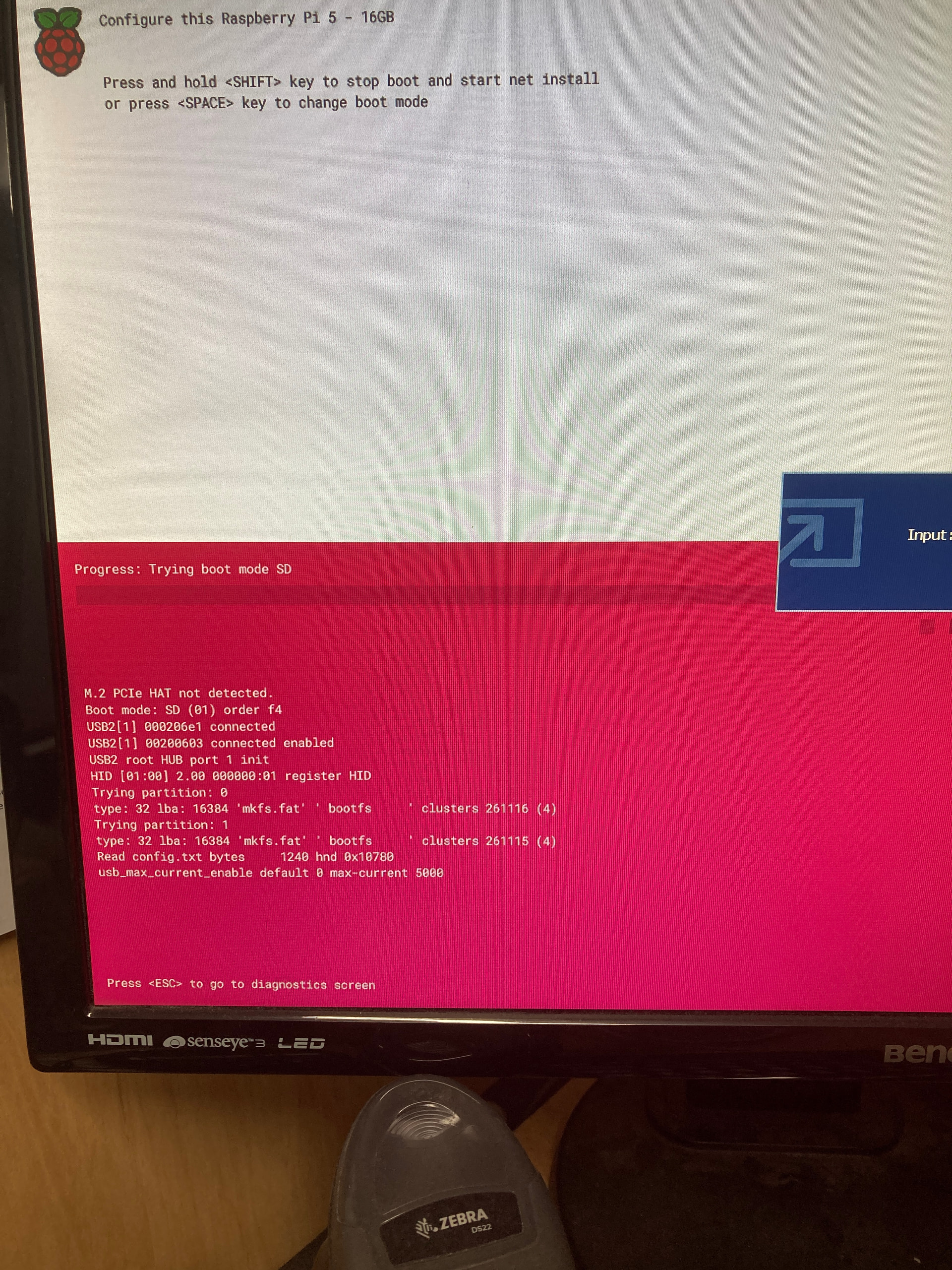
To fix, turn on the Pi with no SD Card inserted, it will go to this red screen. Press ‘SPACE’, then select SD Card (from memory I believe it is 1), then shutdown. Insert the SD Card once more. It should boot straight to the card.
Give that a go and let me know the result.
Hi Jane, Thanks for that idea, it was my first thought also, but did not help in this case as mine was starting with the SD boot, but I did find a solution I think, that required an update to the eeprom config to hide/speed up the bootloader  This maybe a new command in the latest RP5s
NET_INSTALLED_ENABLED=0
Hi Robert, Thank you for the video suggestion go some ideas from that, as well as changing this in eeprom has helped big time : NET_INSTALLED_ENABLED=0



