
Hey everyone, I’m trying to troubleshoot my Raspberry Pi setup and could really use some advice.
I have a Raspberry Pi 4 Model B and the official 7″ Touch Display 2. I know my Pi is working because the LEDs light up, but the screen stays completely black.
The original ribbon cable got a small crease, and at the time I didn’t realise there were little locking tabs, so I may have damaged it. That’s why I tried using a 15‑pin FFC camera cable as a replacement. I’ve tried switching the cable ends, making sure the silver contacts face the pins, and locking the tabs properly on both sides, but it still doesn’t work.
Could the problem be with how I’ve set up the GPIO pins or the cable? And does anyone know if camera FFC cables can work as a replacement for the Display 2? Any advice would be really appreciated — I don’t want to damage the screen or Pi further.
Hey there, @Madeleine307601,
The FFC cables on the Pi 4 are the same for use with cameras and display so the new cable is probably not the issue.
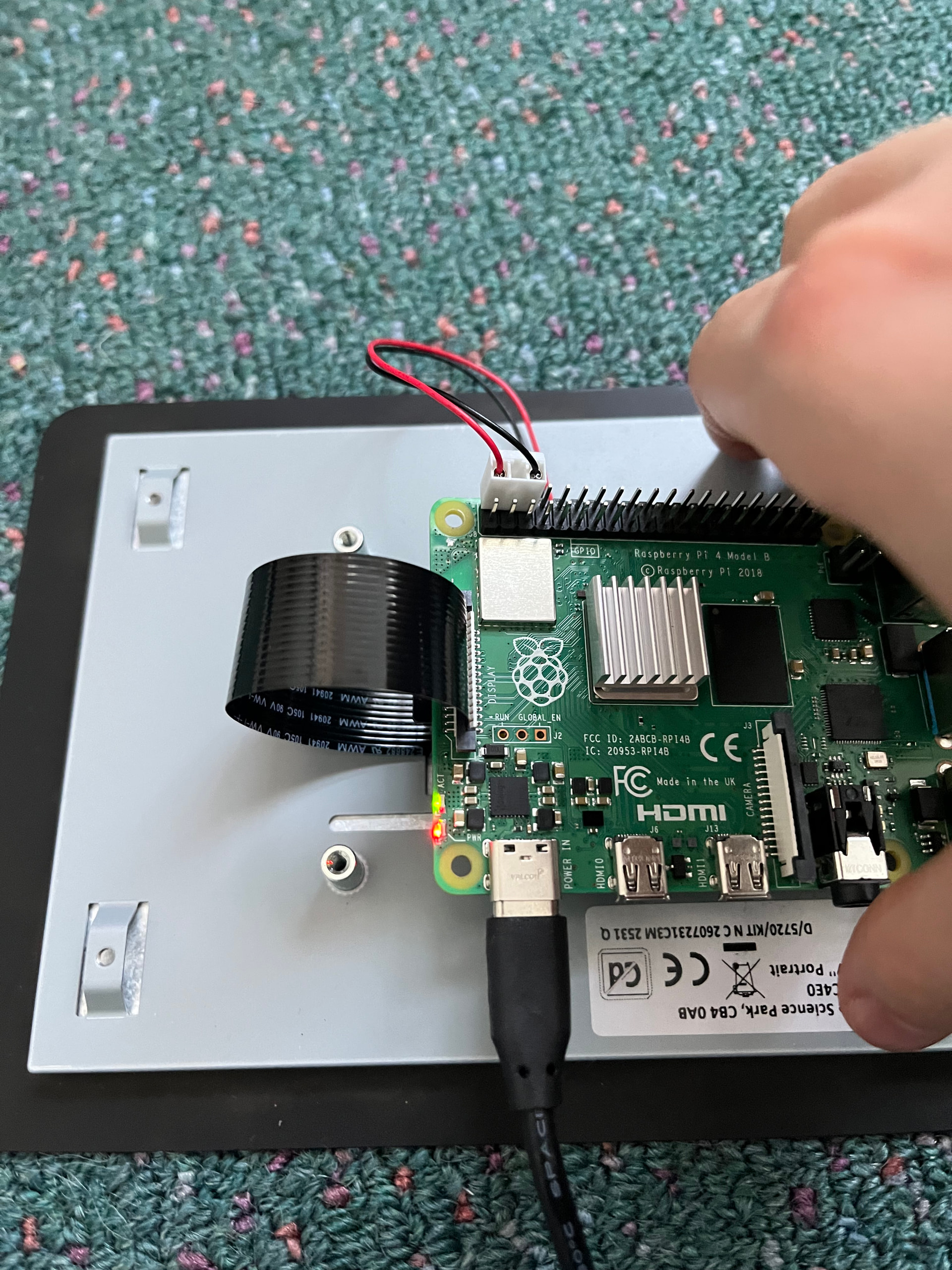
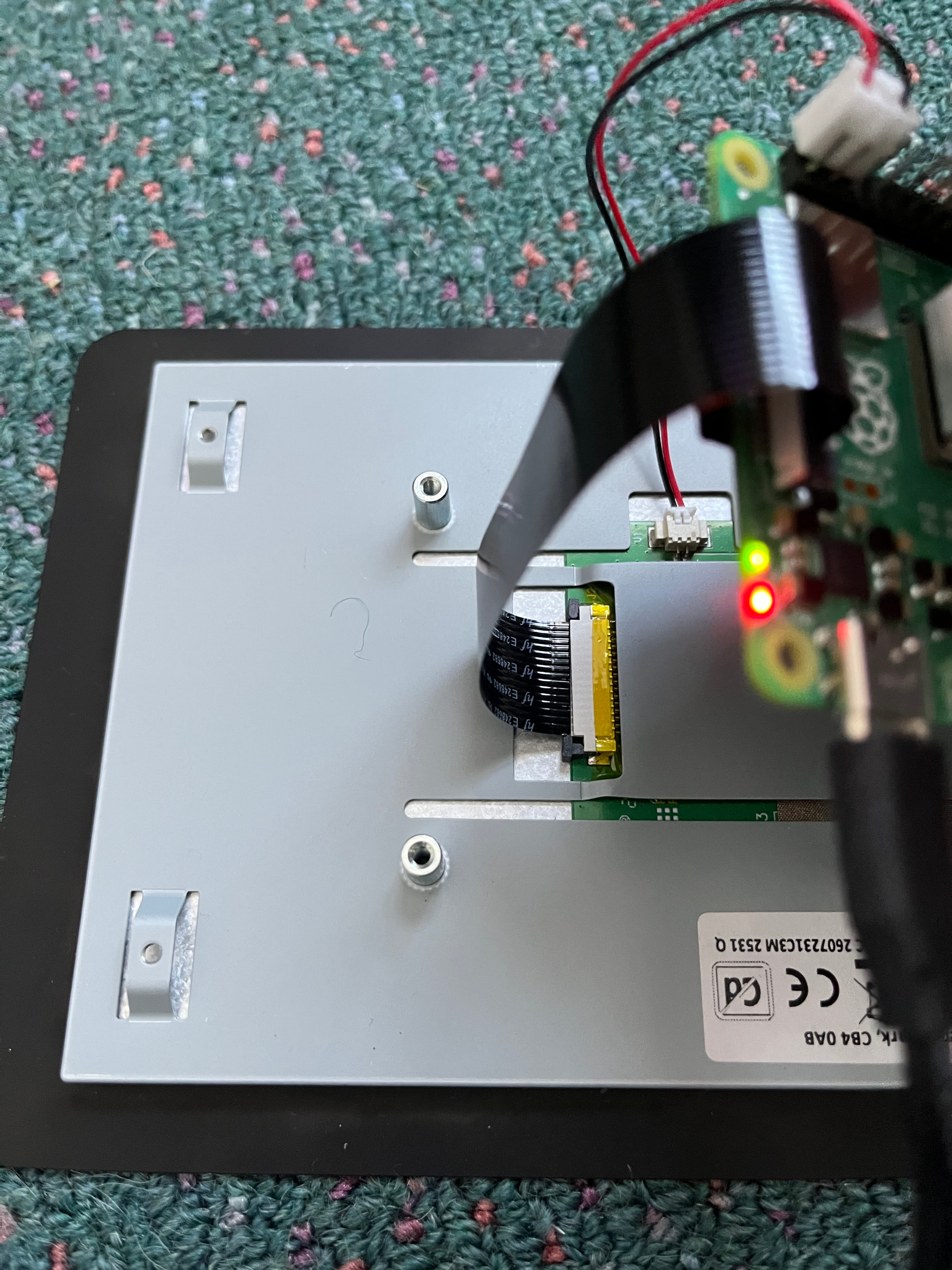
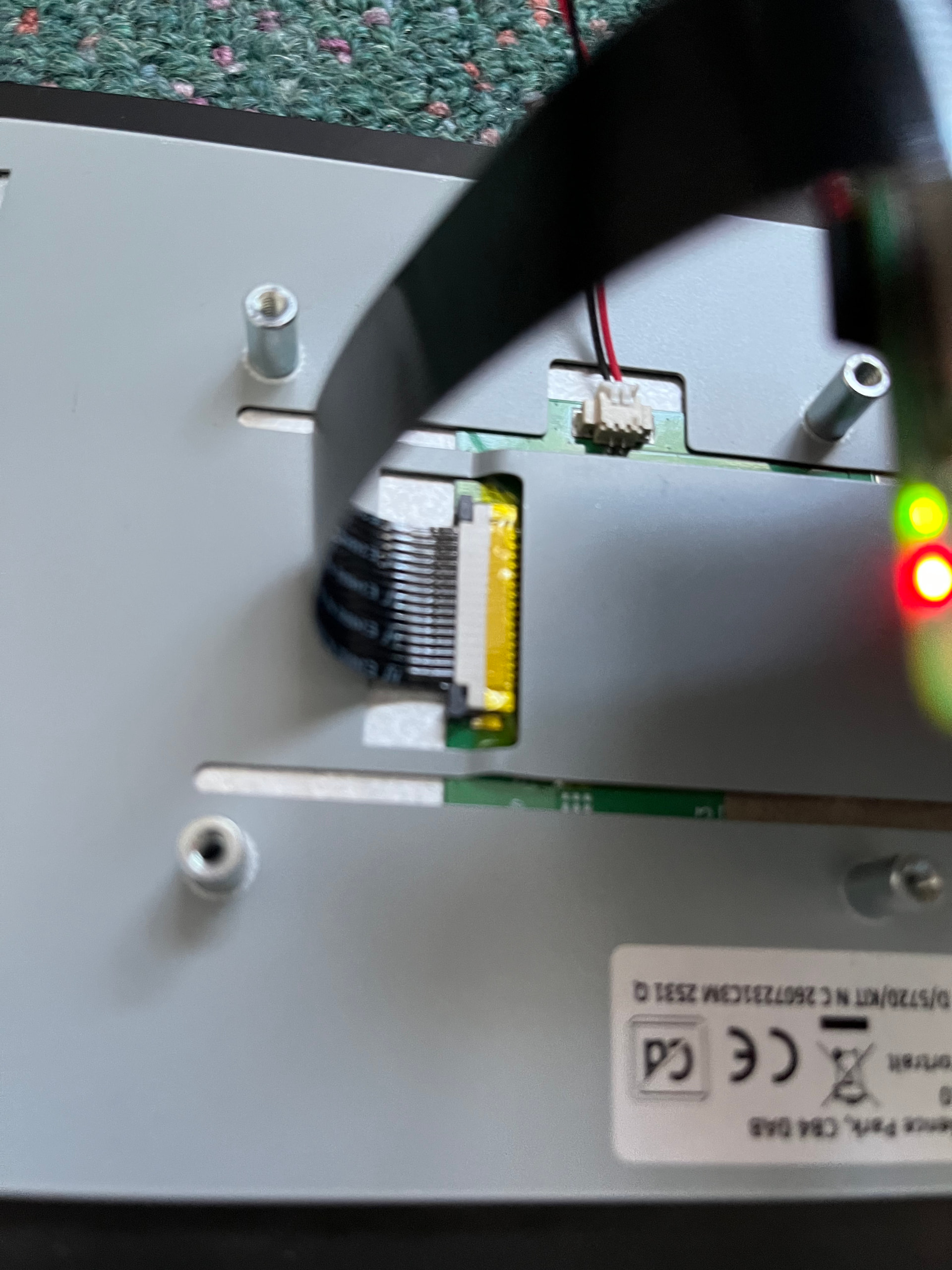
Could you please provide close up pictures of your setup so we can make sure that everything has been installed correctly and offer some troubleshooting advice.

Hi Madeleine,
Its a bit hard to see if you may have the cable in backwards or seated completely inside the connectors - but usually issues with the screens present from those.
The metal should be facing up, on the connection with the display.
And on the Pi 4 the metal connections should face towards the USB connectors.
What part might you have damaged? If it was the cable, hopefully everything is alright, but the connectors on either end need the pressure from those tabs to make a good electrical connection with the cable.
I can confirm the GPIO power cable is connected correctly.
Liam
I am not exactly sure what I have damaged I just heard from a youtube video that if you pull the cable it ruins it and I did pull it on both sides and I made sure the metal is facing towards the USB connectors
Hi Madeleine
You need to confirm what you see on YouTube. There is a lot of good information there but there is also a lot of absolute garbage. You have to filter out what is useful and what is not. Unfortunately you are the one looking at this so you are the one that has to do this and without at least some experience with what you are looking at this would be very difficult.
But unfortunately that is the way it is and not a lot can be done about it.
In this case though it is true. Just pulling on the cable without releasing the clamp could damage it beyond repair. as could over flexing it due to rough handling. The fine track is prone to cracking if pulled or handled carelessly also there is the possibility the track will crack and pulling might actually dislodge the contact area and it will come away, but that should be obvious.
There is also the possibility of damage to the connector which would be a disaster.
The only way to really find out would be to purchase a new cable and make sure you insert it properly. That would eliminate one possibility. Then go from there.
You may be able to visibly inspect the connectors with a magnifying glass of some sort, or measure pin to pin continuity with the cable in situ in operating position and power OFF. Measure this at the back of the connector where it solders into the board. The bottom one could be a bit tricky to get at.
Cheers Bob
Hey there, @Madeleine307601,
Are you having the same issue when the Pi has been screwed into Smart Pi Touch Screen?
Can you confirm that the pins on the Pi side of the cable are facing the the USB ports?
In addition, could you also confirm that you can access the GUI via HDMI to a monitor?
Hi Liam, Madeline
If that is the case and the exposed metal on the cable ends is on the same side the cable surely should have a twist should it not.
If the connection is supposed to be pin for pin (Pin 1 to Pin 1, 2 to 2 etc) it would depend on which way up the display board is. The way it is connected the connectors would have to be oriented the same way for that to happen.
Is it possible that the RPi or the display (NOT both) have to be up the other way?? That would cause no end of bother if that were the case.
Cheers Bob



