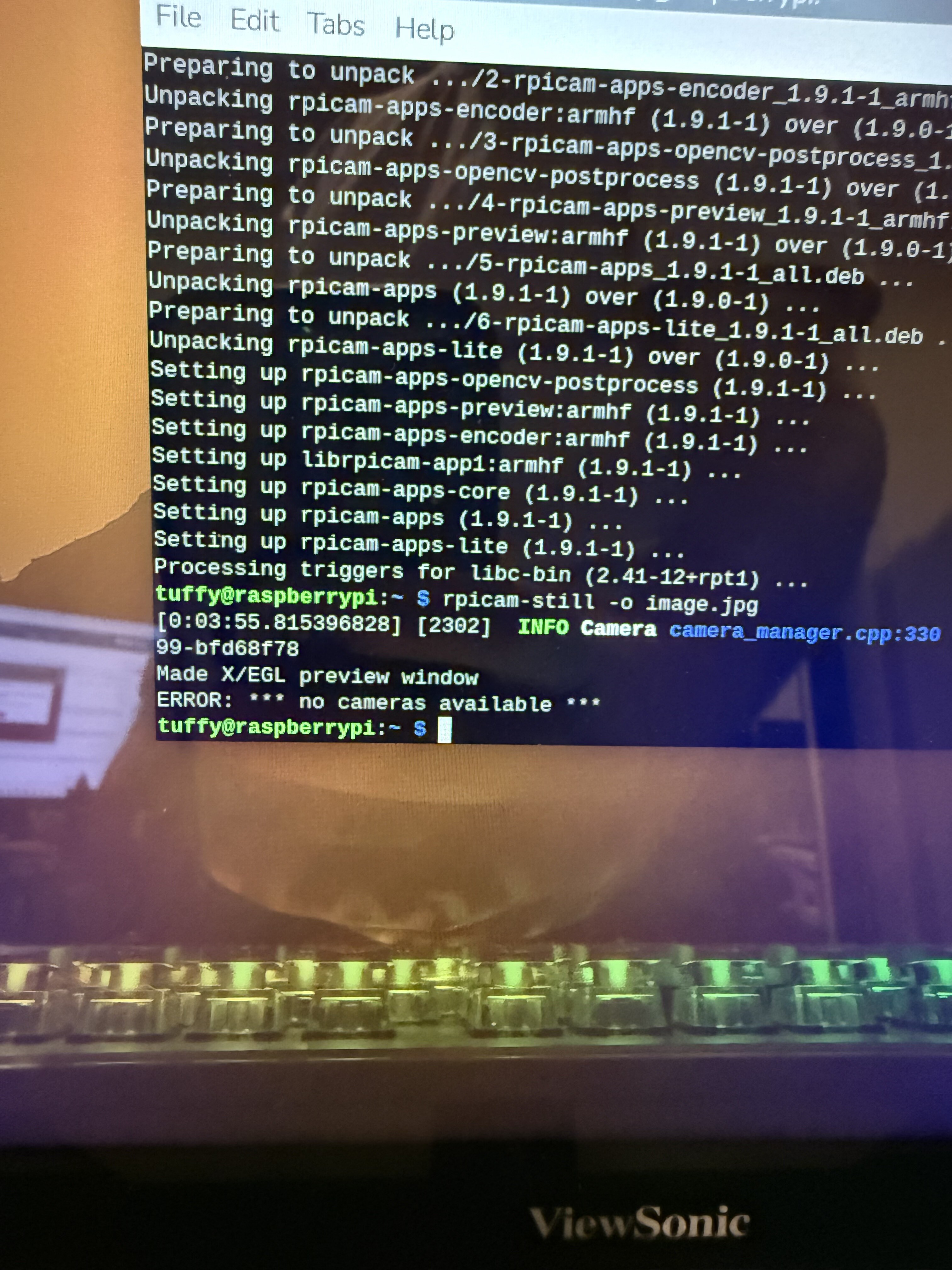
V2 noir camera not detected on new pi zero 2 w. I have followed the guide on fresh installs of trixie and older versions. I have done the simple steps first by just updating the txt file and adding the sensor as per the guides. I have also then tried following more in depth guides doing full upgrades and updates. Every time i try the rpicam-hello commands it is not detecting the camera.
I am using the correct cable adapters and have tried a spare. I can connect the owlsight 64mp camera but it just won’t detected the v2 camera. I have also tried to connect the v2 on my pi 5 with no luck.
Anyone have any advice or maybe the module is cooked?
Thank you for your reply, there is no error messages at all it loads the preview screen (black) then closes and says something like “no camera detected” I can’t remember the exact phrase. I have tried trouble shooting with everything I can find online, about to give up and order another module .
Can you confirm that after taking these steps, you are only receiving the black square? If so, could you please upload some photos of your setup. It doesn’t sound like that is likely to be the problem, but it’s always good to have a second pair of eyes.
This is the owl sight although the zero 2 can’t process the size it still picks up the camera and does a preview (I got the owl sight for the pi 5 so I don’t expect it to work on the zero 2 )
Thanks for that extra information. From the look of your photo and testing steps, it’s likely that your camera module has some kind of unexpected issue.
Given that your ribbon cable connection, Pi, and setup steps are all correct, we would like to proceed with this one as an RMA.
Would you be able to shoot us an email reply to your order confirmation email? Ideally, with a quick description of the problem, a link to this forum thread and some photos of the front and back of the camera module. Our team will get you sorted out from there.


 .
.